
Solutions

Built around the way your business works.

From a supermarket counter to a busy kitchen or service desk, choose the workflow that fits your team.

Choose your workflow

Four business types. Workflows built around each one.

Retail, restaurant, services and manufacturing businesses each have different daily work. Select the tools that match your team and keep management connected.

For shops, wholesalers and pharmacies01
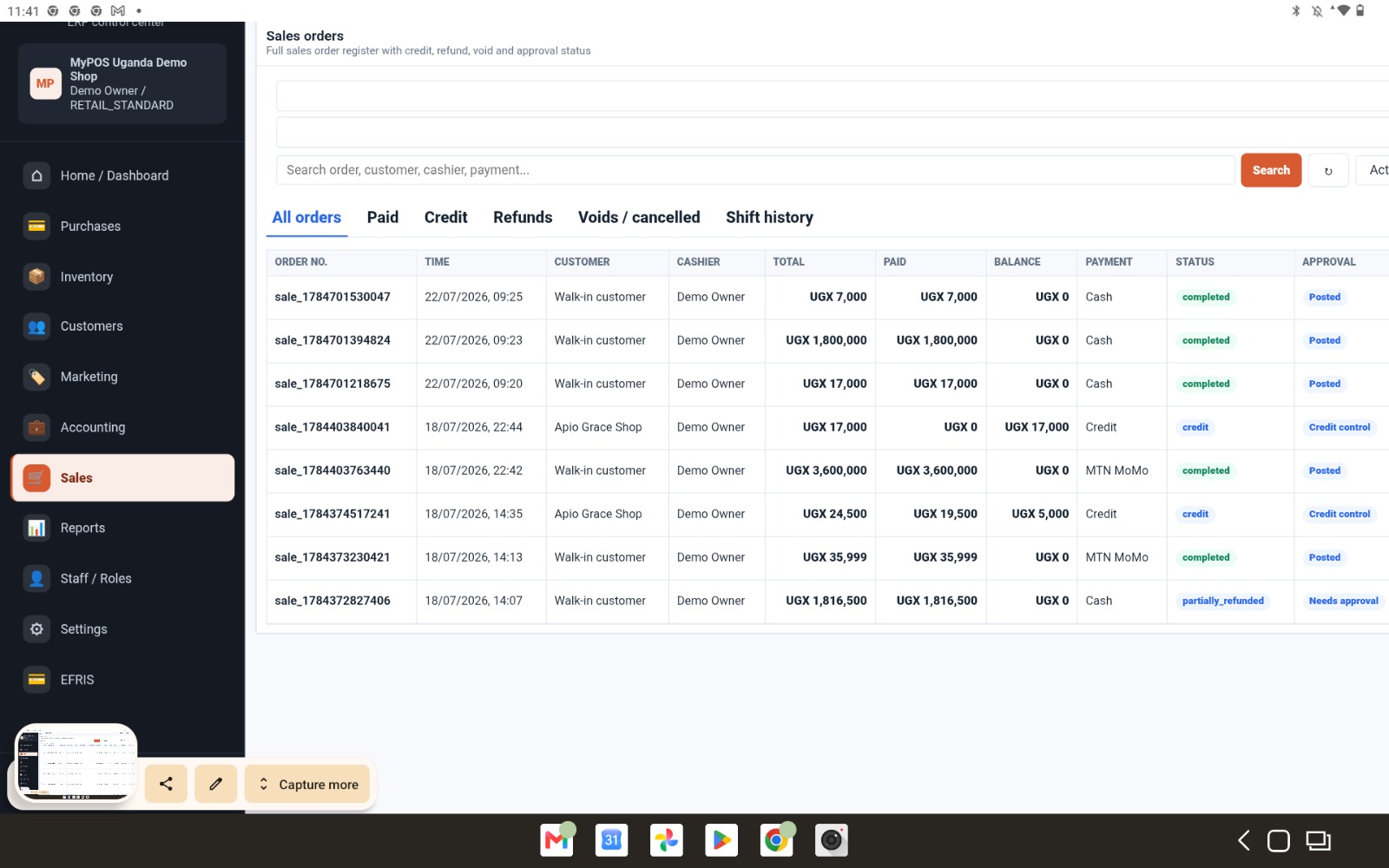
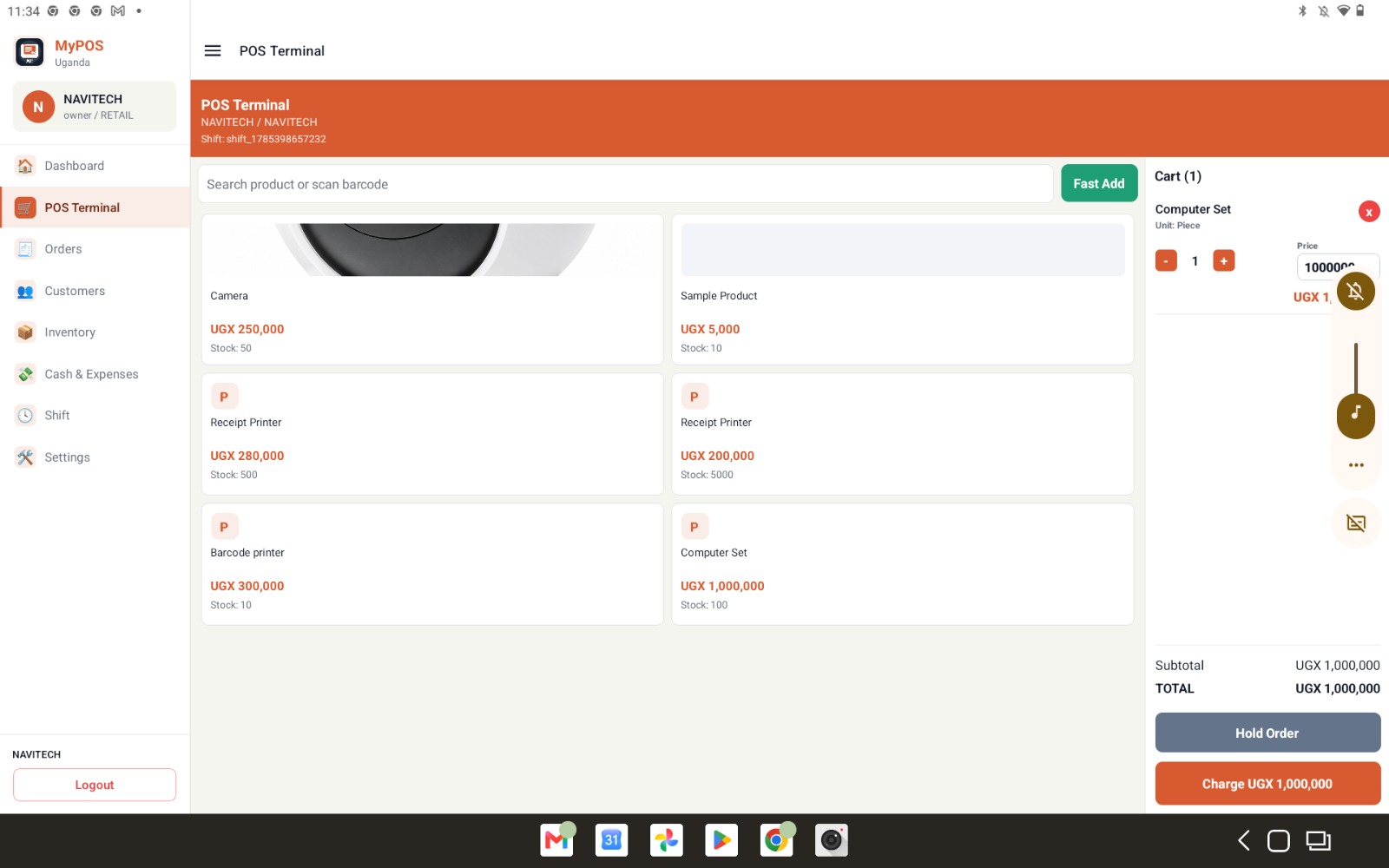
MyPOSUg retail checkout on a tablet

MyPOSUg Retail

Move customers through checkout quickly while every product, payment and stock change stays traceable.

  • Barcode and fast product search
  • Multiple units and sale-only price changes
  • Cash, mobile money, credit and split pay
  • Refunds, voids and held orders
  • Shifts and end-of-day Z-reports
  • Receipt and barcode label printing
Download retail POS
For restaurants and hospitality teams02
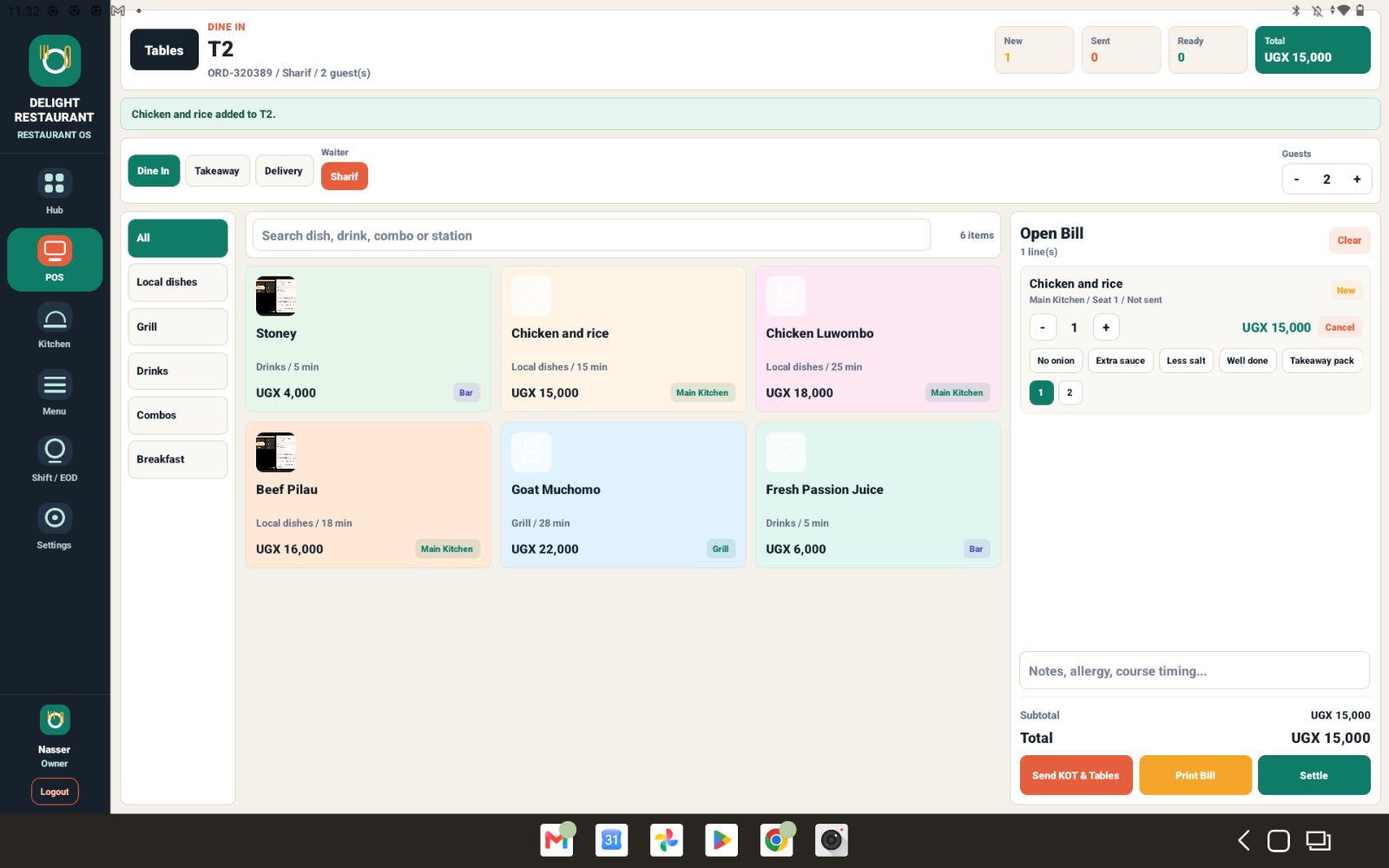
MyRestaurantUg restaurant menu with dishes and service options

MyRestaurantUg

Keep waiters, cashiers and kitchen teams working from the same live order while guests receive a smooth service.

  • Tables, dine-in, takeaway and delivery
  • Dishes, recipes, modifiers and combos
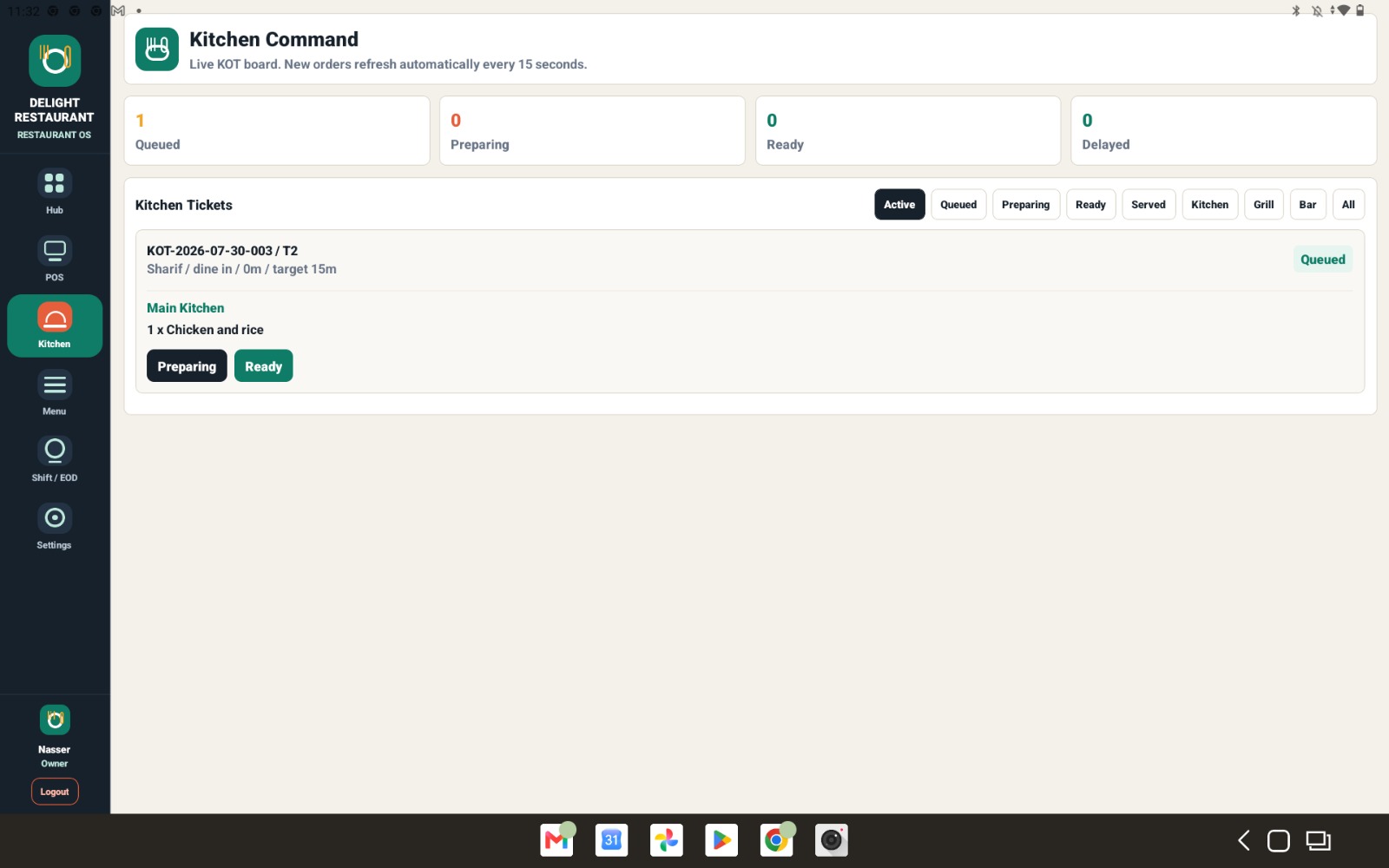
  • Kitchen tickets and station routing
  • Waiter roles and void approvals
  • Split bills, discounts and credits
  • Kitchen display and ready alerts
Download restaurant POS
For salons, repairs, clinics and professional teams03
MyServicesUgAppointments · walk-ins · work orders

MyServicesUg

Keep your service catalogue, bookings, queue, jobs, customers and checkout together.

  • Services and pricing
  • Appointments and resources
  • Walk-in queue
  • Work orders and status
  • Customer records
  • Payments and receipts
Download services POS
For food, garments, furniture and production teams04
Manufacturing Back OfficeMaterials · purchasing · stock · reporting

Manufacturing workspace

Organise materials, purchasing, stock and business records from a back-office workspace.

  • Materials and inventory
  • Supplier purchasing
  • Stock movements
  • Customer and sales records
  • Accounting
  • Reports and permissions
Ask about manufacturing setup

Made for service teams

From a waiter's tablet to a ready kitchen ticket.

Restaurant orders move through clear steps, so the front of house and kitchen see the same order without crowding one screen with everyone's work.

01
+

Choose service

Table, takeaway or delivery.

02
+

Build the order

Dishes, modifiers and notes.

03
=

Send to kitchen

Station tickets without prices.

04
OK

Settle and report

Payment, receipt and shift totals.

Restaurant order screen
Live orders
Restaurant kitchen display
Kitchen command
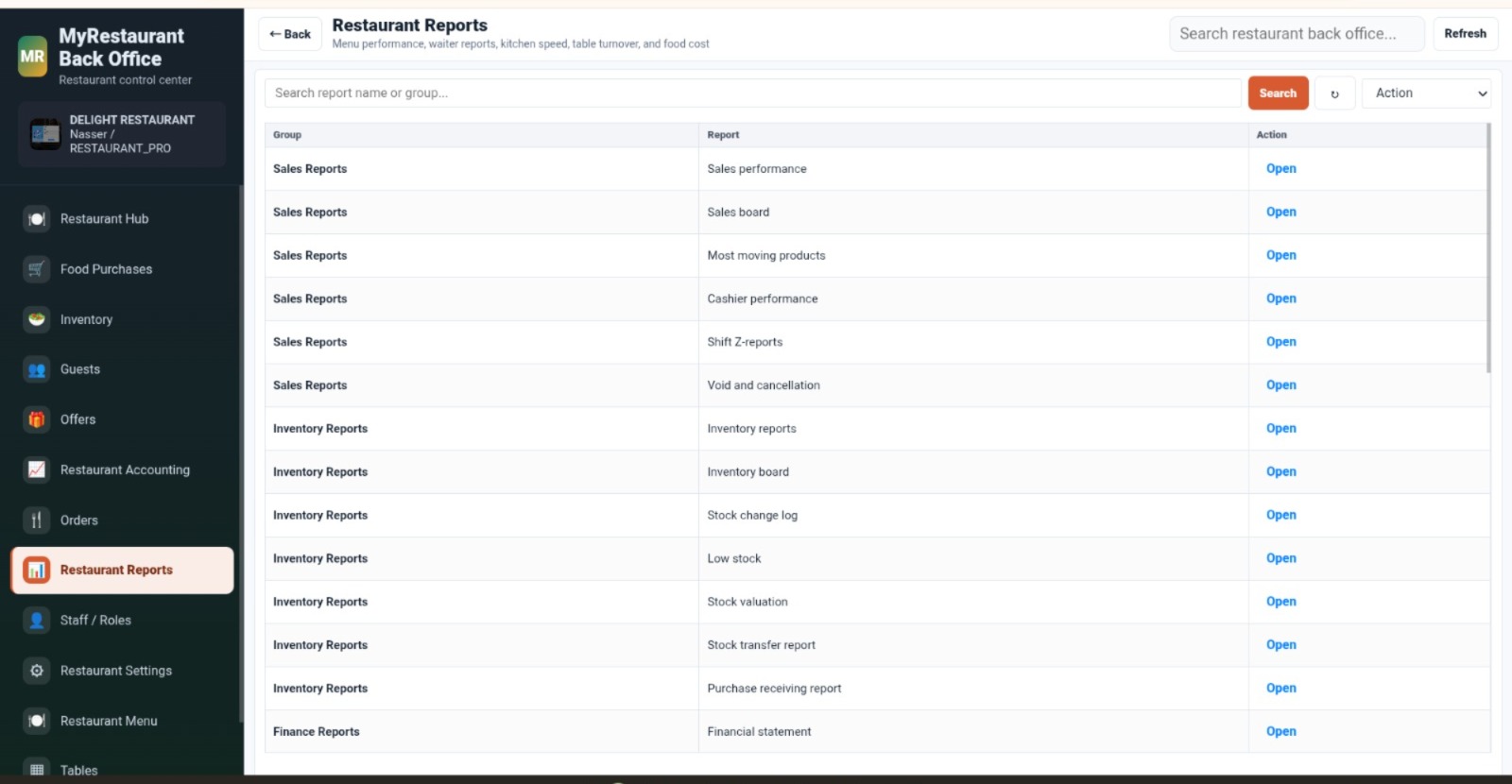
Restaurant reports
Restaurant reports

Ready when you are

Find the right setup for your team.

Contact MyPOS Uganda