

Uganda-first business software

Run every sale with confidence. Keep control as you grow.

MyPOS Uganda connects checkout, stock, purchasing, kitchen operations and business reporting in one practical workspace. Choose the specialist POS that fits the way your team works.

Retail and restaurant editionsAndroid · Windows · Web
LIVE WORKSPACE● Online
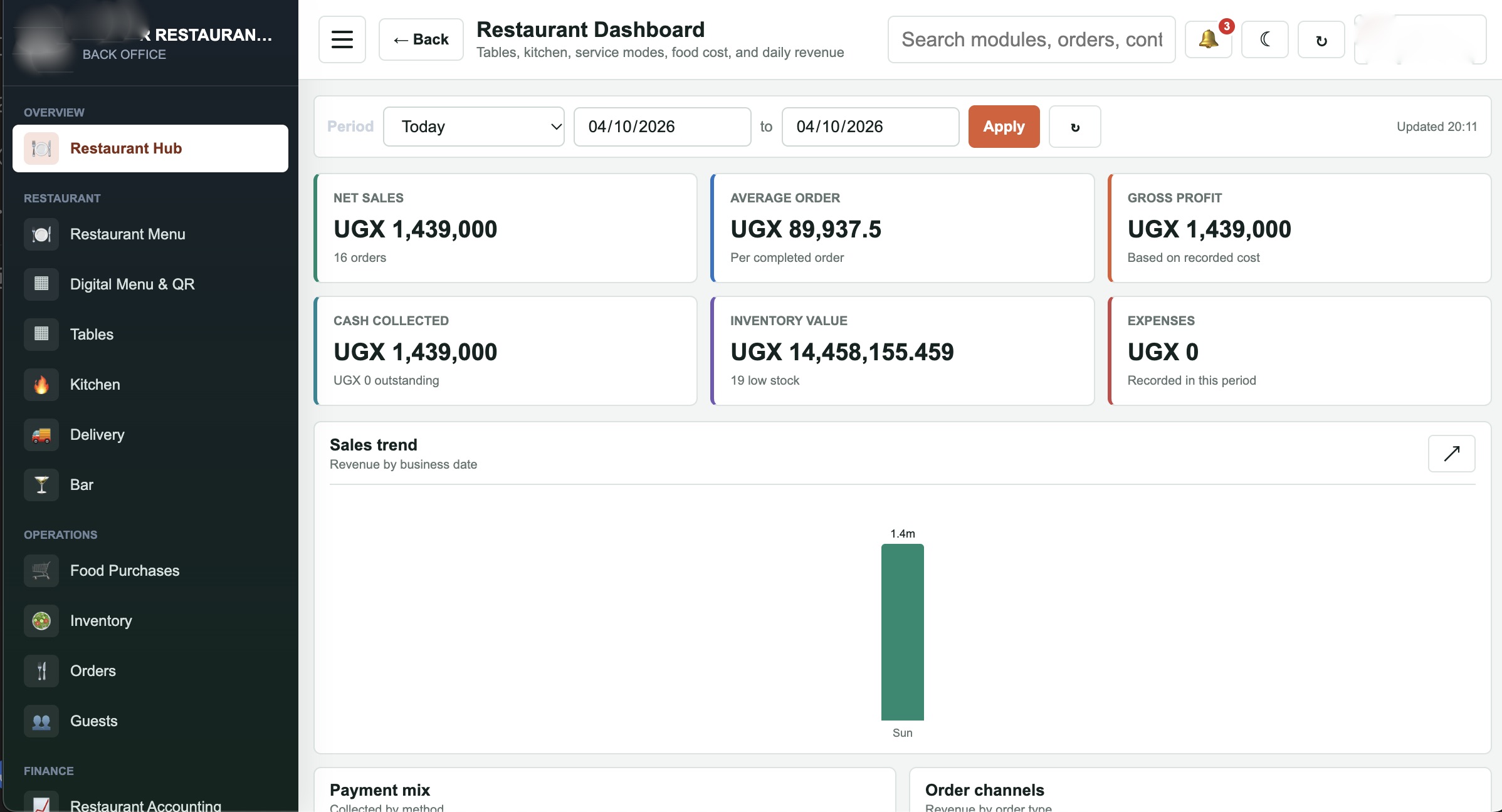
MyRestaurantUgToday · 11:31
Restaurant POS screen showing tables, service modes and kitchen queue
MyPOSUg Retail
Retail POS screen showing product checkout and cart
Salesposted instantly
Stockalways visible
Offline-readyKeep selling when the connection drops
Local operationsUGX, mobile money, credit and receipts
One source of truthPOS activity flows into your back office
Built for teamsRoles, approvals and accountability

Everything in one place

From stock to sales, stay in control.

See the essential workflows at a glance, then choose the edition your business needs. The platform stays familiar while the screens stay focused.

Inventory that stays traceable

Know what came in, what moved and what is left.

Products, units, warehouses, purchases, transfers, stock takes and change logs stay connected to the sale.

  • Search by name, product code or barcode
  • Approval flow for receiving and transfers
  • Low-stock and valuation visibility
MyPOS Uganda inventory product list

Choose your workflow

One platform. Two specialised POS experiences.

Retail needs speed and stock accuracy. Restaurants need service flow and kitchen coordination. MyPOS Uganda gives each team the right screen while owners keep one connected view.

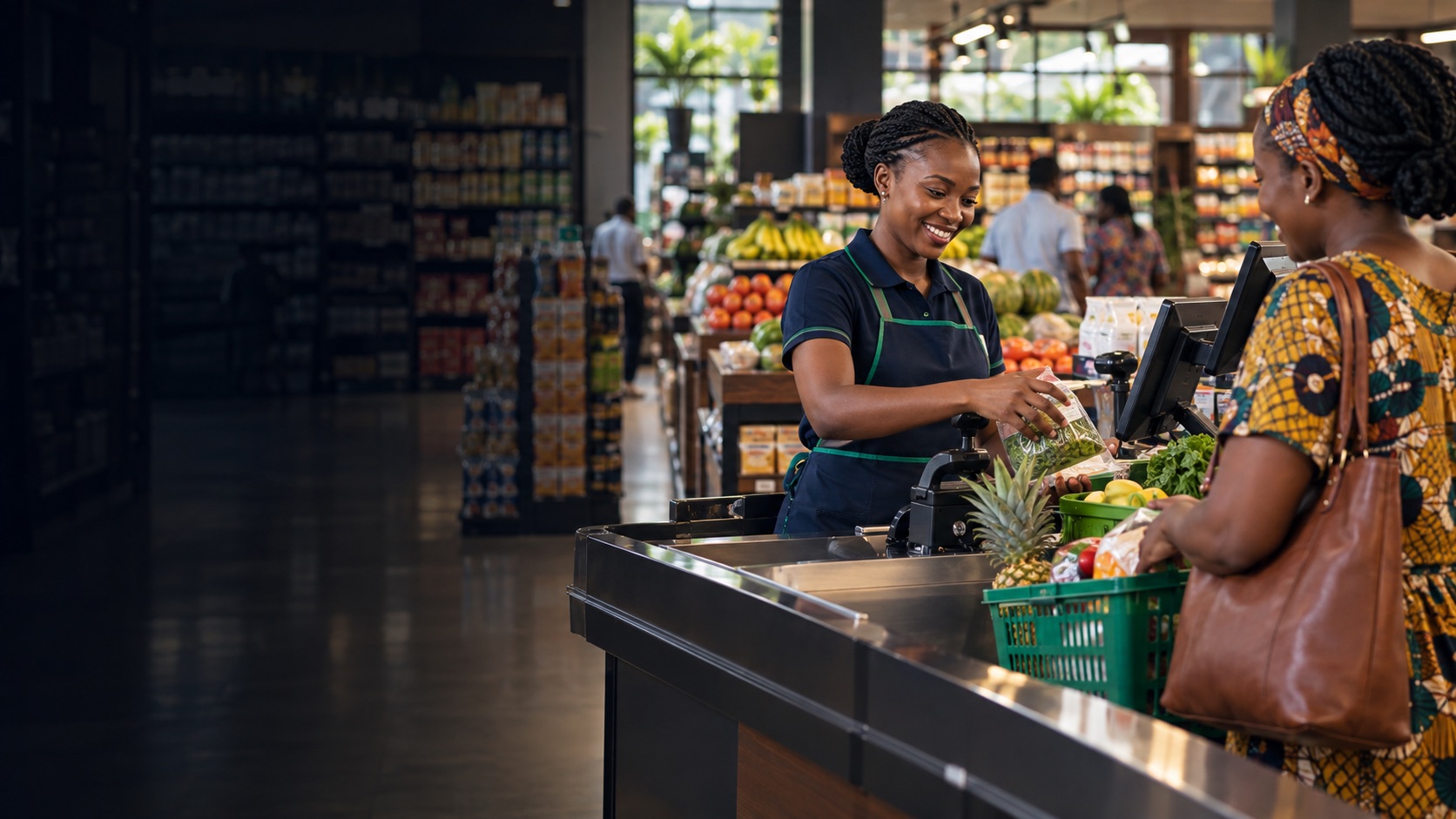
For shops, wholesalers and pharmacies01
MyPOSUg retail checkout on a tablet

MyPOSUg Retail

Move customers through checkout quickly while every product, payment and stock change stays traceable.

  • Barcode and fast product search
  • Multiple units and sale-only price changes
  • Cash, mobile money, credit and split pay
  • Refunds, voids and held orders
  • Shifts and end-of-day Z-reports
  • Receipt and barcode label printing
Download retail POS
For restaurants and hospitality teams02
MyRestaurantUg restaurant menu with dishes and service options

MyRestaurantUg

Keep waiters, cashiers and kitchen teams working from the same live order while guests receive a smooth service.

  • Tables, dine-in, takeaway and delivery
  • Dishes, recipes, modifiers and combos
  • Kitchen tickets and station routing
  • Waiter roles and void approvals
  • Split bills, discounts and credits
  • Kitchen display and ready alerts
Download restaurant POS

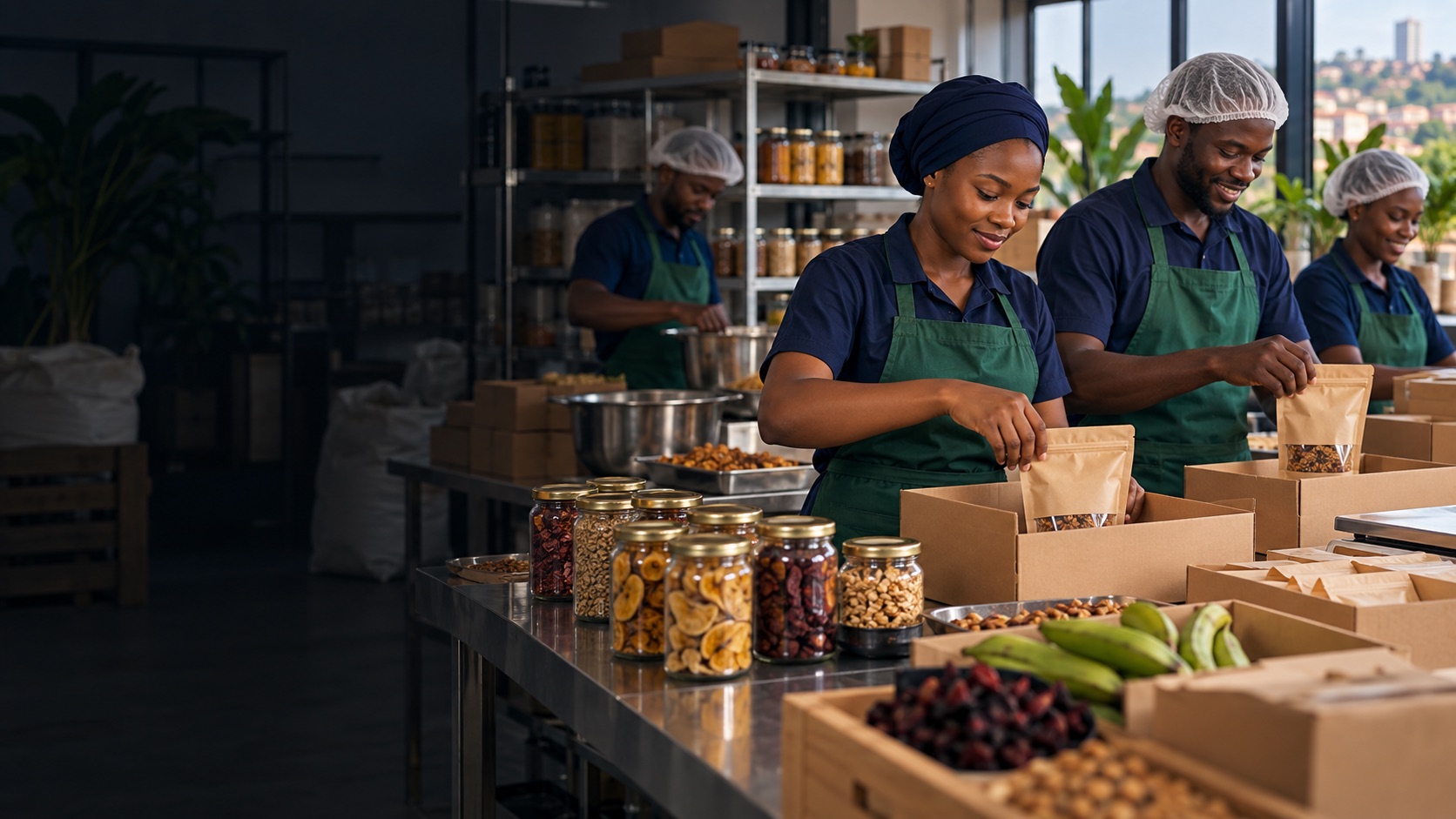
From stock room to checkout

Know what is selling, what is moving and what needs attention.

Turn daily activity into decisions with a workspace that keeps inventory, purchases, customer credit, revenue and staff performance together.

01

Sell without frictionSearch products, scan barcodes and settle with the methods your customers use.

02

Control the movementReceive stock, approve transfers and follow every change in a searchable log.

03

See the real pictureUse dashboards, reports and end-of-day summaries to run the next shift better.

Retail inventory product listInventory
MyPOS Uganda back-office dashboardBack office
24/7business visibility

Made for service teams

From a waiter's tablet to a ready kitchen ticket.

Restaurant orders move through clear steps, so the front of house and kitchen see the same order without crowding one screen with everyone's work.

01
+

Choose service

Table, takeaway or delivery.

02
+

Build the order

Dishes, modifiers and notes.

03
=

Send to kitchen

Station tickets without prices.

04
OK

Settle and report

Payment, receipt and shift totals.

Restaurant order screen
Live orders
Restaurant kitchen display
Kitchen command
Restaurant reports
Restaurant reports

The connected control centre

Run the business from one professional office.

Owners and managers get a full workspace for the serious parts of the business: searchable records, approvals, reports, permissions and clean data.

MyPOS Uganda back-office dashboard with sales activity
MyPOS Uganda Back OfficeLive business control
01Inventory

Products, units, warehouses, transfers, stock takes and movement logs.

02Purchasing

Suppliers, purchase orders, receiving, returns and approval flow.

03Accounting

Revenue, expenditure, journals, ledgers and cash movement.

04Reports

Sales performance, stock, food cost, waiters and end-of-day summaries.

05People and control

Staff, roles, permissions, receipts, payment modes and business settings.

Open business login Access opens for approved businesses.
2specialised POS apps
4ways to work: Android, Windows, Web and offline
1connected business workspace
UGXlocal currency and payment flow

Try the system

Download the POS for your business.

Install a demo build to explore the workflow. For a real business, register and receive provider approval before signing in with business data.

MyPOSUg Retail POS icon

Retail checkout

MyPOSUg Retail POS

Barcode selling, stock-aware checkout, credit, refunds, shifts and receipts for shops and wholesalers.

Download MyPOSUg
MyRestaurantUg Restaurant POS icon

Restaurant service

MyRestaurantUg

Tables, takeaway, delivery, kitchen tickets, waiter workflow, settlement, discounts and restaurant shifts.

Download MyRestaurantUg
First use: the APK does not create a business account. Register from the business login, wait for provider approval, then sign in from the installed app. Each approved business sees its own data.

Questions, answered

Start with the right setup.

Here are the practical answers businesses usually need before they begin.

Can I keep selling when the internet is down?+

Yes. The POS is designed to continue core selling and store pending activity locally, then sync when the connection returns.

Do retail and restaurant businesses use the same back office?+

They share the connected business control model, while the available modules and screens follow the business type and approved permissions.

Can my staff have different access?+

Yes. Create roles with the exact POS and back-office permissions your team needs, including view, add, approve, print and export controls.

How do I start a real business account?+

Register the business, choose the business type and package, then wait for provider approval. After approval, your business admin and staff can sign in.

Can I get help configuring printers and receipts?+

Yes. Configure receipt, label and restaurant print routes from the relevant settings, then test each connected printer before opening for sales.

Ready when you are

Make every sale easier to understand.

Talk to MyPOS Uganda